
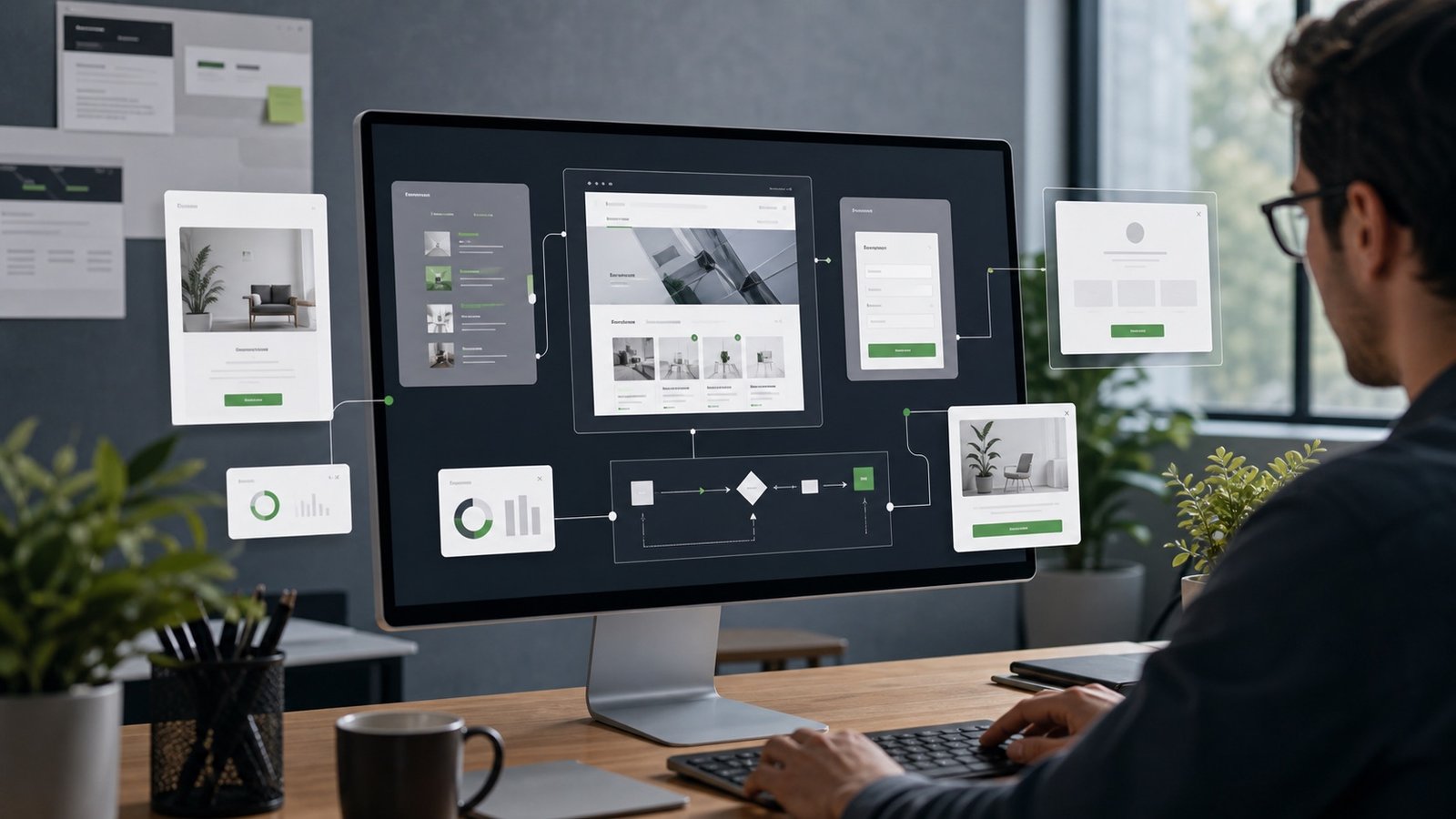
A business website can be more than pages
Most business websites start with familiar pages: home, services, about, blog, and contact. That structure is still important because it helps visitors understand the company and gives search engines a stable map of the site. But once the website is responsible for real business operations, static pages often stop being enough. The site may need to collect leads from several forms, show temporary offers, route visitors from old URLs, record consent choices, or give the team a private dashboard for the activity that matters.
That is where custom website modules become valuable. A module is a focused feature built around a specific business need. It might be a lead capture system, a cookie approval tool, a promotions manager, a redirect tracker, a support request flow, a lightweight customer portal, or a website assistant connected to an API. The goal is not to make the site complicated. The goal is to remove manual work, create better visitor paths, and give the business a clearer picture of what is happening.
For a web design agency, custom work matters because every business has a slightly different sales process. A contractor, law firm, medical office, home service company, nonprofit, ecommerce brand, and local service provider do not all need the same workflow. The best website design reflects that difference instead of forcing every visitor into the same generic contact page.
What counts as a custom website module?
A custom module is any feature designed for how the business actually operates. It can be small, such as a modal that appears only on certain service pages during a seasonal campaign. It can also be more operational, such as a dashboard that collects contact submissions, Ask Greenhouse interactions, cookie consent events, and site activity into one place. The important distinction is that a module has a job beyond decoration.
Common examples include contact form routing, quote request flows, newsletter signups, appointment request forms, promotional banners, exit-intent offers, announcement bars, URL redirect managers, event tracking, consent logs, and searchable knowledge assistants. Each feature should have a reason to exist. A promotion module should support a timely offer. A dashboard should make decisions faster. A redirect tool should preserve traffic and reduce dead ends after a redesign.
Custom website development is especially useful when the feature has to connect to another system. A form might send a lead to email, save a dashboard record, tag the project type, and trigger a follow-up workflow. A website assistant might use approved site knowledge and an API to answer visitor questions. A promotions system might show different calls to action based on the page category. These are not exotic requirements. They are normal business needs that become easier when the website is built with them in mind.
Why custom modules can outperform plugin-heavy setups
Plugins and third-party widgets can be useful, especially when a business needs a standard feature quickly. The problem is that each plugin usually brings its own interface, scripts, settings, update cycle, tracking behavior, and design assumptions. Over time, a site can become a collection of disconnected tools. That can slow pages down, make maintenance harder, and create privacy or accessibility problems that nobody fully owns.
A custom module can be narrower and cleaner. It can use the site’s design system, collect only the data needed, avoid unnecessary scripts, and fit the business workflow exactly. It can also be documented in plain language so the owner knows what it does and where the data goes. For small businesses, that clarity is often more valuable than a long list of generic plugin settings.
This does not mean every feature should be custom. A good website design process should ask whether the need is common, specialized, temporary, regulated, revenue-related, or likely to change. If a trusted platform handles the job better, use it. If the business needs a lighter, more private, more integrated, or more tailored flow, a custom module may be the better investment.
Lead capture modules should reduce friction
Lead generation is one of the clearest reasons to build custom website features. A single contact form may work at first, but it can also hide important context. Someone asking about website design has different needs than someone asking for SEO, a custom dashboard, cookie consent, or website support. A better form can identify the service area, timeline, budget range, current website, preferred response method, and message without turning the form into a chore.
The best lead modules balance business needs with visitor effort. They ask enough to make the first response useful, but not so much that the visitor gives up. They include clear labels, mobile-friendly fields, helpful error messages, spam protection, and a confirmation message that explains what happens next. If the form stores information in a dashboard, the privacy policy should explain that clearly.
Custom lead modules can also improve follow-up. Submissions can be tagged by page, service, campaign, language, or source. That makes the dashboard more meaningful because the business can see which pages are attracting useful inquiries. The result is not just more data. It is better context for better service.
Redirects and promotions protect momentum
Website redesigns often break old paths. Blog posts move, service pages change names, and campaign URLs expire. Without a redirect plan, visitors can land on 404 pages and search engines can lose signals that were attached to older URLs. A custom redirect module helps preserve momentum by sending old links to the most relevant current page and logging which redirects are still being used.
Promotions need the same level of care. A promotion should be timely, relevant, accessible, and easy to remove when it expires. A custom promotions module can make it easier to show a modal, banner, or offer card only where it belongs. That is cleaner than editing several pages manually or forgetting to remove old copy after a campaign ends.
Both modules support trust. Redirects keep visitors from getting lost. Promotions keep offers accurate. When the website quietly handles those details, the business looks more organized and the visitor has fewer reasons to leave.
Dashboards turn activity into decisions
A dashboard is useful when it answers practical questions. Which forms are being submitted? What are visitors asking the website assistant? Which promotions are being clicked? Which redirects are still active? Are cookie consent choices being recorded? Which pages are creating contact intent? A custom dashboard can bring those answers into one place without forcing the business to log into five separate tools.
The dashboard does not have to be complex. In many cases, a simple private view with filters, counts, recent activity, and export options is enough. The point is to help the owner notice patterns. If many visitors ask the same question, the website may need clearer copy. If a promotion gets attention but not leads, the offer or follow-up path may need work. If old URLs keep receiving traffic, the site may need a better internal link or updated external profile.
Dashboards should also be built with security in mind. Access should be protected, passwords should be stored as hashes, sensitive data should be limited, and logs should not collect more information than needed. A dashboard is a business tool, not a place to hoard data.
How to decide what to build first
The best first custom module is usually the one tied to a clear business problem. If leads are getting lost, start with forms and routing. If the site has many old links, start with redirects. If the business runs seasonal offers, start with promotions. If analytics tools are blocked until consent, start with a consent-aware tracking setup. If visitors ask the same pre-sale questions, start with a website assistant or FAQ improvement.
A practical build plan starts small: define the outcome, map the visitor path, identify the required data, decide where the data should go, design the interface, build the module, test it on mobile, and review it after real use. A custom module should earn its place by making the website clearer, faster, more trustworthy, or easier to manage.
That is the larger value of custom website development. It lets the website behave more like part of the business instead of a brochure sitting beside it. When modules are planned carefully, the site can collect better leads, respect visitor privacy, support search visibility, and help the team make smarter decisions.
For more planning context, continue with Lead Generation Web Design Features and Protecting Your Website Investment.