
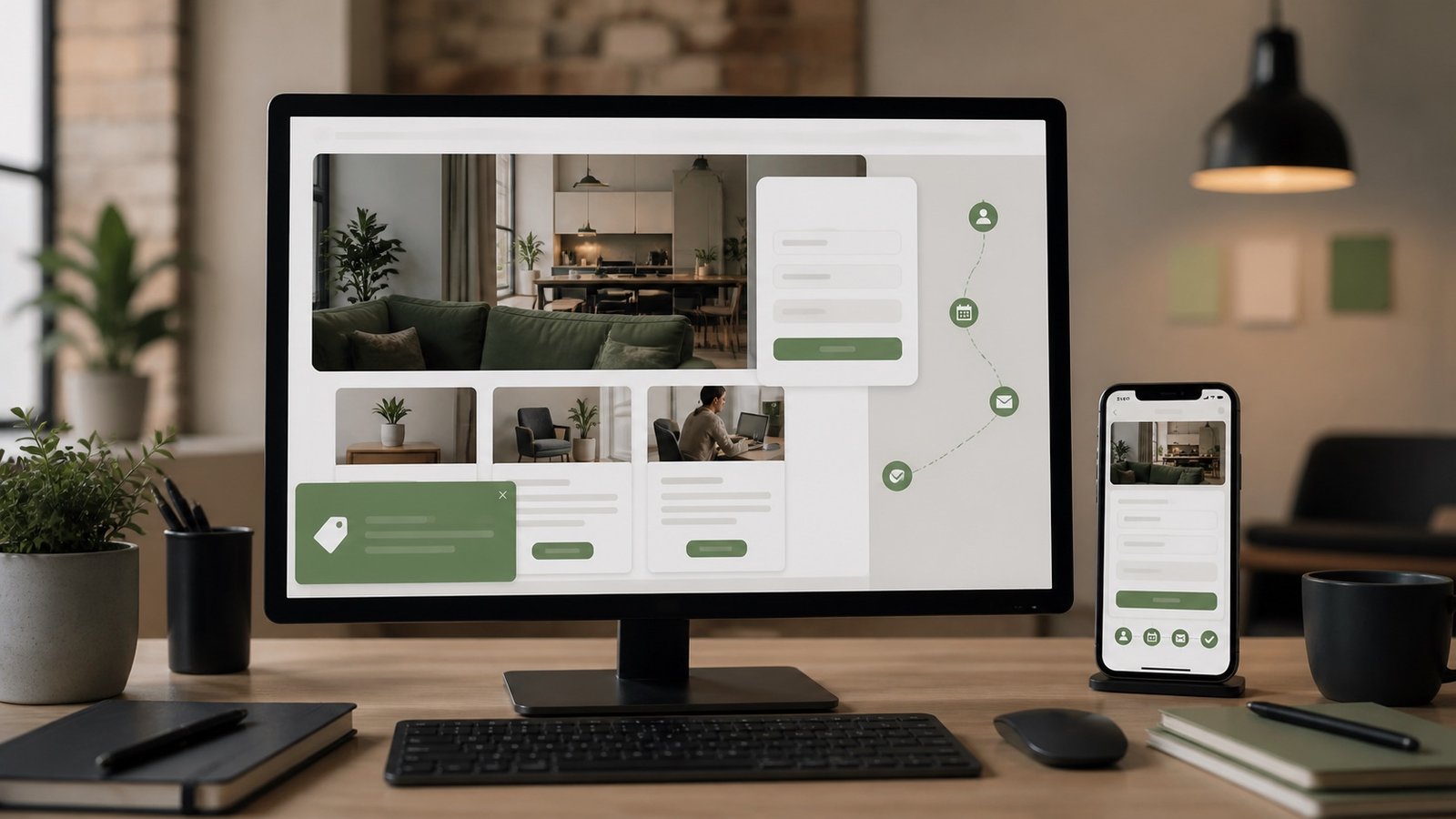
Lead generation starts before the form
Many businesses think of lead generation as the contact form at the end of the page. The form matters, but the decision starts much earlier. A visitor decides whether to inquire based on the headline, service clarity, proof, process, pricing context, examples, speed, mobile experience, and trust signals they encounter along the way. If those pieces are weak, even a well-designed form will not fix the page.
Lead generation web design is about removing uncertainty. The visitor should know what the business does, whether it serves their situation, what the next step looks like, and why it is safe to reach out. A website does not need to answer every possible question, but it should answer enough to make contact feel reasonable.
This is especially important for custom website development, SEO, AEO/GEO, dashboards, cookie consent modules, redirects, promotions, and API-connected features. Those services can sound technical. The page has to translate them into business outcomes: fewer lost leads, cleaner reporting, clearer search visibility, better privacy control, and more useful visitor paths.
Use calls to action that match intent
Not every visitor is ready to request a proposal. Some are comparing options. Some are trying to understand cost. Some have a broken website and need support quickly. Others want to know whether a custom feature is even possible. A strong website uses different calls to action for different levels of intent without turning the page into a wall of buttons.
Primary calls to action should support the highest-value next step: Start a Project, Request an Estimate, Schedule a Consultation, or Ask About Custom Work. Secondary links can guide visitors to relevant articles, service pages, FAQs, or examples. Context matters. A cookie consent article might point to custom website development and privacy policy support. A web design page might point to SEO, forms, and content strategy.
The best CTAs are specific. “Learn More” is rarely as useful as “Explore Website Design” or “Start a Custom Project.” Specific language helps users and supports search because it reinforces what the linked page is about.
Design forms around the first conversation
A lead form should collect what is needed for a useful first response. For many service businesses, that means name, email, optional phone, business or website, project type, timeline, budget context, and a message. The form should not ask for every detail that would normally be discussed later. Long forms can improve qualification in some cases, but they can also push away good prospects who are still early in the process.
Custom forms can adapt to context. A visitor on the web design page might see a project type field. A visitor on a custom development page might choose dashboards, cookie consent, redirects, promotions, modals, forms, or API-connected features. A visitor on a support page might need a current URL and a description of the issue. The more relevant the form feels, the easier it is to complete.
Forms should also be accessible and trustworthy. Use visible labels, clear errors, reasonable spacing, mobile-friendly input types, spam protection, and confirmation messaging. If the site stores submissions, sends notifications, or logs page source, say so in the privacy policy.
Use modals and promotions carefully
Promotional modals can help when they are timely and relevant. They can highlight a seasonal offer, announce a consultation slot, point to a new service, or invite visitors to request a quote. They can also harm trust when they appear too quickly, block content, repeat on every page, or make the close button hard to find.
A custom promotions module gives the business more control. It can limit where an offer appears, respect cookie or local storage settings, avoid showing the same message repeatedly, and turn off automatically after a campaign. It can also track impressions and clicks in a dashboard so the business knows whether the promotion helped.
The rule is simple: do not interrupt before you create value. Let the visitor understand the page first. Use modal timing, frequency, and targeting with restraint. The best promotion feels like a helpful next step, not a trap.
Connect leads to a dashboard
A website can collect leads and still leave the business guessing. If submissions only arrive by email, they can be missed, filtered, duplicated, or hard to analyze. A lightweight dashboard can create a better record of what happened: submission time, service interest, page source, message, consent state, and follow-up status.
This does not have to become a complicated CRM. For many businesses, a simple dashboard with recent leads, filters, export, and status notes is enough. The value comes from consistency. The owner can see which pages generate inquiries, which campaigns attract attention, and which services need clearer copy.
Privacy still matters. Store only what is useful, protect access, and avoid unnecessary sensitive data. A lead dashboard should help the business respond better, not collect data for its own sake.
Measure quality, not just quantity
More leads are not always better. A website that doubles inquiries but fills the inbox with poor-fit requests has not solved the business problem. Better measurement looks at lead quality, service fit, response time, close rate, questions asked, pages viewed before contact, and whether the inquiry matches the page promise.
Analytics can show which pages visitors use, but conversations reveal why they reached out. Combine dashboard data with sales feedback. If prospects repeatedly misunderstand a service, update the page. If they ask the same question before booking, add a clear section or FAQ. If a form field is often skipped, decide whether it is unnecessary or poorly explained.
This is where web design, SEO, and custom work come together. Search brings the right people in. Design helps them understand the offer. Forms collect the right information. Dashboards reveal what to improve next.
Build the visitor path as a system
A lead generation website works best when the pieces are connected. Service pages link to useful articles. Blog posts link to relevant services. CTAs match the visitor’s intent. Forms collect appropriate context. Consent tools control optional tracking. Redirects preserve old traffic. Promotions are timely. Dashboards turn activity into decisions.
None of this requires a bloated site. In fact, the best systems are often lean. They avoid unnecessary scripts, keep pages fast, use clear copy, and build custom features only where they solve real problems. A simple website with thoughtful modules can outperform a complicated website full of disconnected tools.
The goal is not to pressure visitors. The goal is to make the right action obvious. When a website gives people enough clarity, trust, and control, lead generation becomes a natural result of a better experience.
For more planning context, continue with Custom Website Modules That Grow With Your Business.